
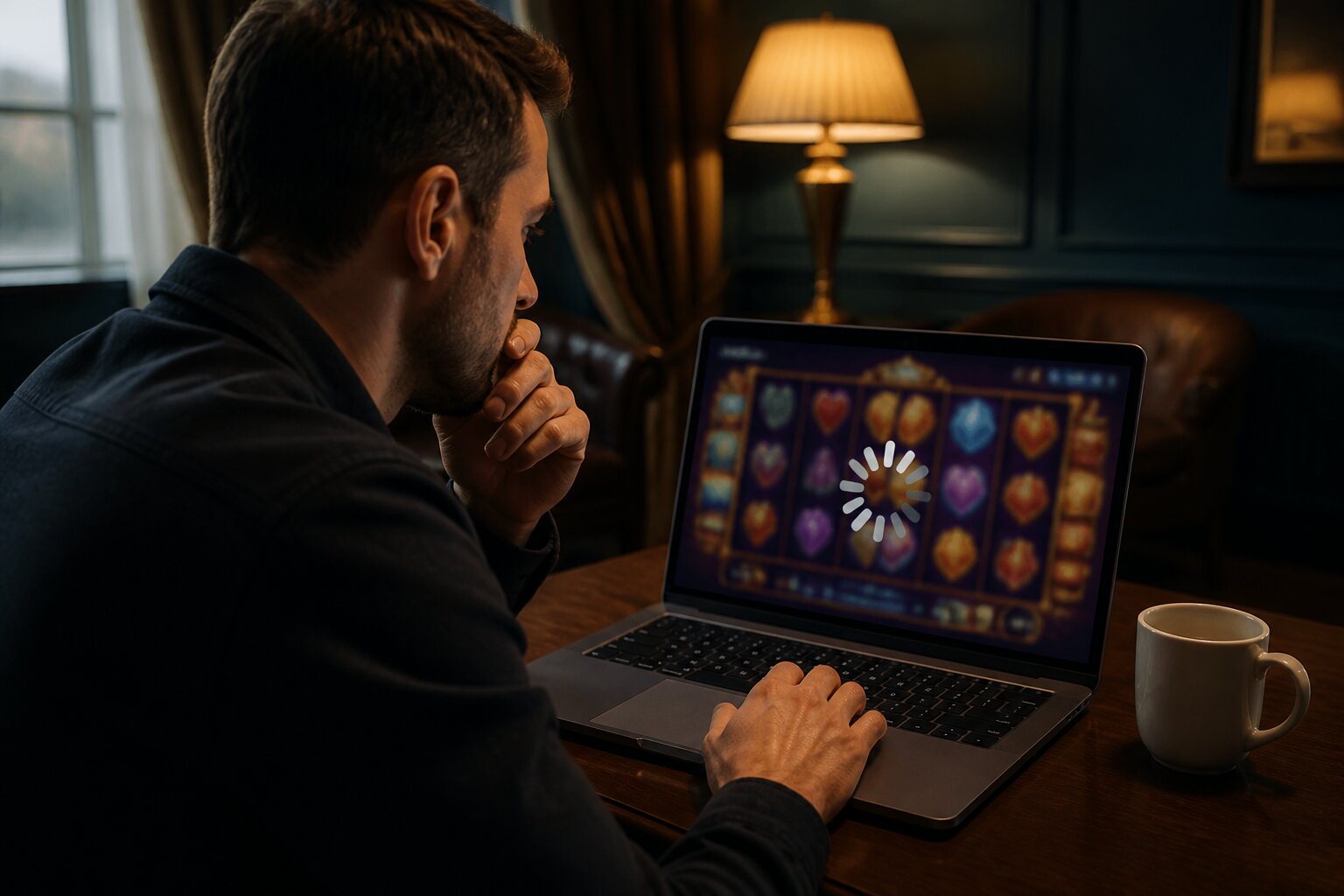
There’s nothing more frustrating than a favourite casino game freezing just as things get interesting, or waiting ages for a slot to load and nothing happening. Technical hitches are part of playing online, and they can affect anyone, whether you play often or only occasionally.
Online casino games should feel smooth and reliable, but when they don’t, it’s useful to know what can cause the problem and what sensible steps are available to put things right. This guide collects practical explanations and clear, user-focused advice so you can get back to playing with confidence.
Read on for how these faults appear, what typically causes them, how to respond without making matters worse, and how to reduce the chances of them happening again.
What Causes Casino Games to Freeze or Fail to Load?
Technical faults usually trace back to a few broad areas: the network connection, the device or browser, or the game provider’s systems. A weak or unstable internet connection is a frequent culprit because online games need a continuous data link; brief interruptions can stall downloads or halt communication with the game server. Network congestion on busy home Wi‑Fi, excessive traffic on a shared connection, or problems at the internet provider’s end can all produce similar symptoms.
Software compatibility also matters. Games are developed to work with modern browsers and up-to-date operating systems; if a browser or app is old it might not support the game’s current technologies, which can cause incomplete loading or freezes. Device capability is another factor: older phones, tablets or computers with limited memory and processing power may struggle with detailed graphics and animations.
Add-ons and privacy tools can interfere as well. Browser extensions, particularly those that block scripts or ads, can prevent parts of a game from loading correctly or disrupt secure connections. Finally, there are occasions when the casino’s servers are under strain—major promotions, tournaments or peak hours can push server load high enough to degrade performance for many players at once.
A clear sense of the likely cause makes it easier to identify useful remedies, and that helps when spotting the symptom described next.
Common Casino Game Errors and Their Symptoms
Technical problems tend to present themselves in recognisable ways. A blank screen—either white or black—can appear when the game fails to render its interface. A persistent loading spinner or a “Loading, please wait” message that never completes indicates stalled data transfer. Error messages and codes sometimes pop up instead of the game; these vary from brief connection notices to more technical diagnostic codes that the support team will understand.
Controls that become unresponsive are another signal: the spin or deal button might not register clicks, stake options may not open, or menus remain inert. Audio and visual glitches such as missing textures, flicker, or out-of-sync sounds also point to a rendering or streaming fault rather than a rules issue.
Recognising these symptoms helps decide what to try next; the following explanation discusses practical measures that commonly resolve these types of failures, but if a problem persists after reasonable attempts, professional support is the right next step.
Troubleshooting Steps to Fix Frozen Screens
When a game refuses to load or stalls mid-session, there are established approaches that often restore normal operation without technical expertise. The idea is to remove temporary obstacles: refresh the game environment, ensure the software environment is current, and confirm the network is stable. If those measures fail, contacting the casino’s support team is sensible so they can investigate any account or server-side issue.
Basic Device and Browser Checks
Problems that look serious can sometimes be resolved simply by resetting the local environment. Closing and reopening the game tab or app clears session glitches, and restarting the device terminates background tasks that may be consuming resources. Ensuring the browser or app is updated helps because developers release fixes and compatibility improvements on a regular basis. If difficulties continue, trying an alternative browser or device can reveal whether the issue is local to one setup or more widespread.
Clearing Cookies and Cache
Web browsers store temporary files—cache and cookies—to speed up repeat visits. Over time these files can become inconsistent with updated site content and interfere with game assets loading correctly. Clearing cached images, files and cookies removes those mismatches so the browser fetches fresh files from the server and often resolves display or loading anomalies. After clearing, reopening the browser and loading the game afresh gives it a clean start.
Switching Internet Connections
Because online games rely on continuous data streams, changing to a stronger or less congested connection can make a big difference. Moving closer to the router or using a wired connection reduces packet loss and latency. Switching from a shared Wi‑Fi to a mobile data connection (or vice versa) will show whether the existing network is the source of the issue. Public or unsecured networks tend to be less stable and are more likely to interrupt gameplay, so a private, secured connection is preferable.
If these approaches do not restore normal play, or if the game shows repeated errors tied to account activity, contacting customer support is the appropriate next step.
Forward-looking note
After addressing a stuck session, it helps to understand why some devices cope better with modern games, which leads into the next section on device performance and compatibility.
Why Do Casino Games Work Better on Some Devices?
Device performance is shaped by hardware capability, operating system currency and graphic handling. Newer smartphones and tablets include faster processors, more memory and updated graphics drivers, which allows them to manage complex animations and real‑time rendering with fewer hiccups. Laptops and desktops with modern processors and discrete graphics hardware handle demanding visuals more readily than older machines.
Operating system updates matter because they include drivers and runtime improvements that games and browsers use. A recent OS version will typically support current web standards and multimedia codecs, so games load and run as intended. Conversely, an ageing device with limited RAM or an outdated operating system may repeatedly pause while swapping data to and from storage, creating lag or crashes.
Developers test games against common contemporary setups, so users with up-to-date devices are more likely to enjoy uninterrupted play. That said, device alone is not the full story—network quality and browser configuration remain important, as the next section makes clear when support is needed.
When to Contact Casino Support
Support teams exist to resolve issues that go beyond simple local faults. Reaching out is appropriate when problems persist after attempts to refresh the session, update software and check connectivity. Persistent loading failures, recurring error codes, account access problems, missing transactions or unexplained changes to your balance all justify contacting support so they can check server logs and account records.
If a game closes unexpectedly and bets or outcomes appear unrecorded, reporting the incident promptly gives the operator the information they need to investigate. Likewise, if deposits or withdrawals behave irregularly or access to an account is restricted, specialist staff should be involved. Support also assists if security concerns arise or you want help applying the site’s player protection tools; these resources are designed to offer confidential help and practical controls for managing activity.
The support team can confirm whether a fault is isolated to your session, linked to a wider outage, or requires a technical fix on their side, and they will advise on the safe course of action for your account.
Preventive Measures to Avoid Future Loading Issues
Several habits reduce the likelihood of repeated technical problems. Keeping the operating system, browser or app up to date ensures compatibility with the latest game releases and security patches. Periodically clearing the browser cache and cookies prevents the accumulation of stale files that can conflict with updated content. Limiting the number of simultaneous tabs or devices used for gaming helps avoid overloading hardware and network resources.
Choosing a stable, private internet connection and reducing network congestion at home improves session reliability. Disabling unnecessary browser extensions lowers the risk that a script blocker or privacy tool will interfere with game assets. Finally, setting sensible time and spending controls and using available player protection features helps maintain a measured approach to play, keeping sessions within personal limits.
Taken together, these measures reduce interruptions and make it easier to enjoy gaming with fewer technical disruptions.
Enjoy Casino Games at Dove Casino
We’re always delighted to welcome new players to our site, where you can discover a relaxed and enjoyable casino experience at your own pace. Feel free to explore and play whenever it suits you.
**The information provided in this blog is intended for educational purposes and should not be construed as betting advice or a guarantee of success. Always gamble responsibly.